Manual
Athens In your pocket!
Get Custom Routes
Tap on “Get Custom Routes” Button
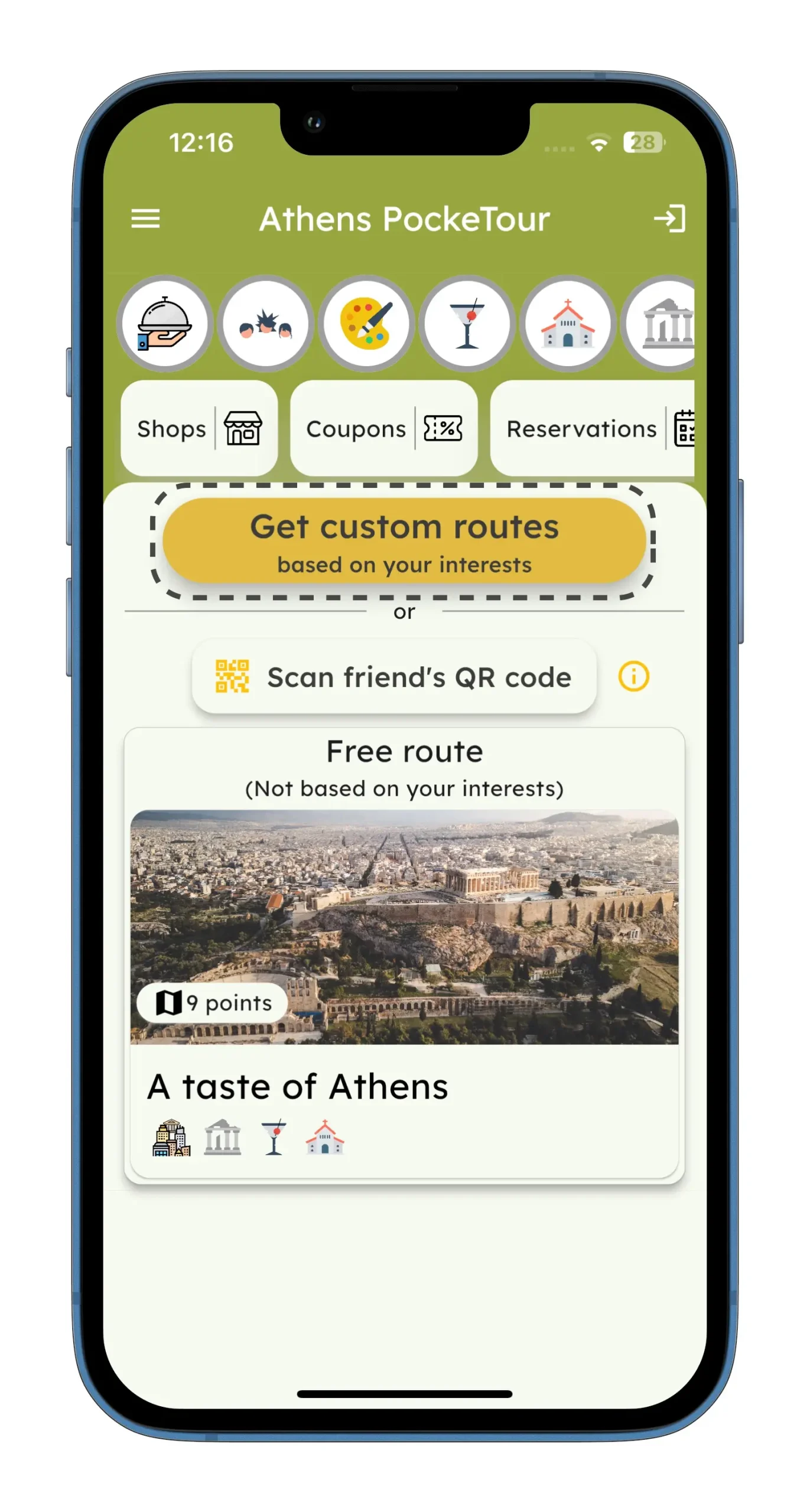
Open the app and locate the “Get Custom Routes” button. Tap this button to begin
creating your personalized route.
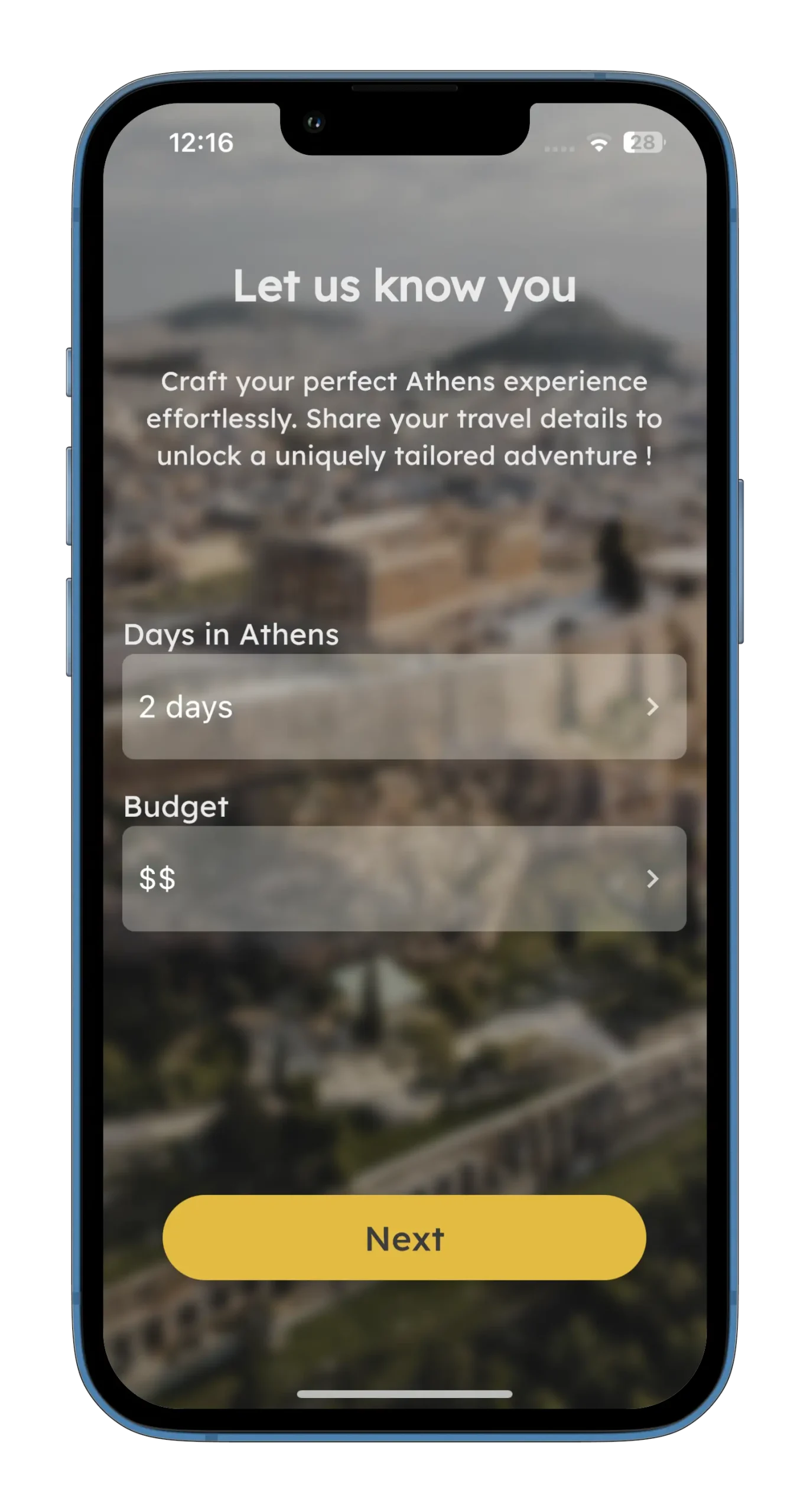
Choose Duration and Budget
Enter the number of days you will be in the city and set your budget.
creating your personalized route.
Pick Your Interests
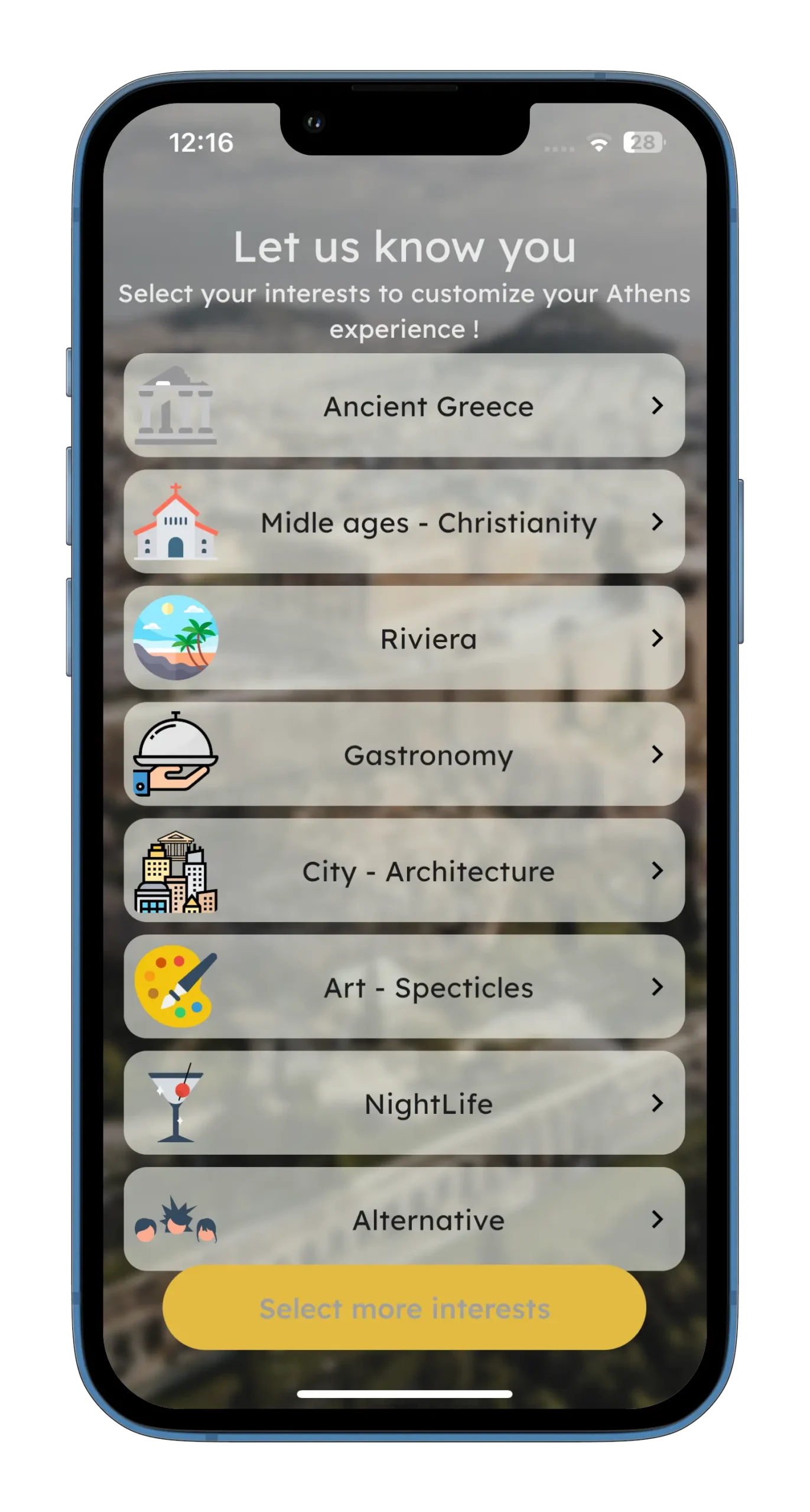
Select from interests such as ancient Athens, City life, Middle Ages, gastronomy, and
more to customize your route according to your preferences.
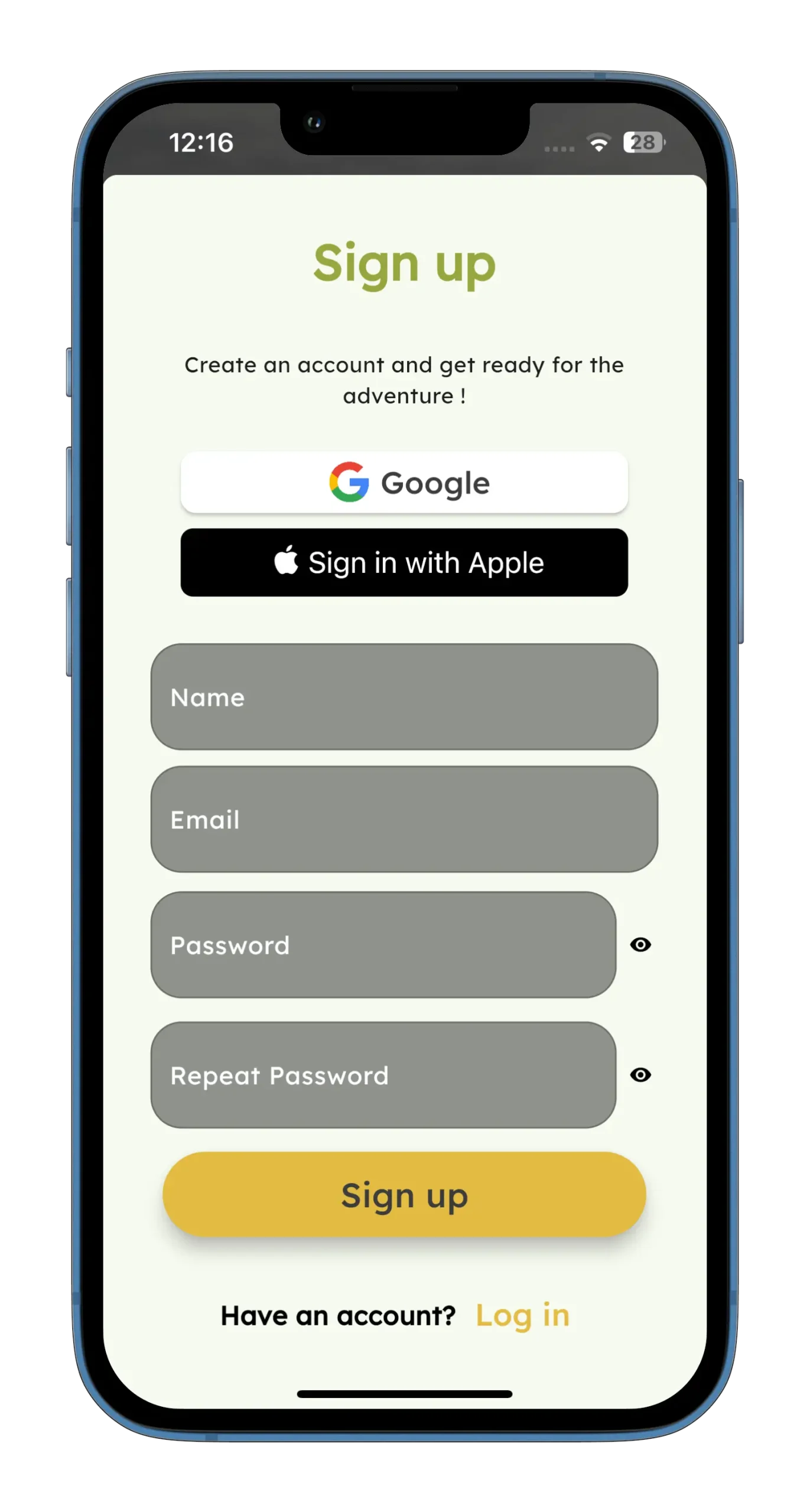
Create a Free Account
After configuring your preferences, you will be prompted to create a free account.
This account is necessary to save your custom route and access it in the future.
Select Number of Travelers

Enter Number of Travelers: Input the number of people traveling with you.
Purchase Access for Multiple Travelers: If you buy access for more than one
person, your friends can join the route for free by scanning the QR code generated
post-purchase.
How Your Friends Will Join
Download the App
Each friend needs to download the app from the App Store or Google Play, install it
on their smartphone, and open it.
Press “Open QR”

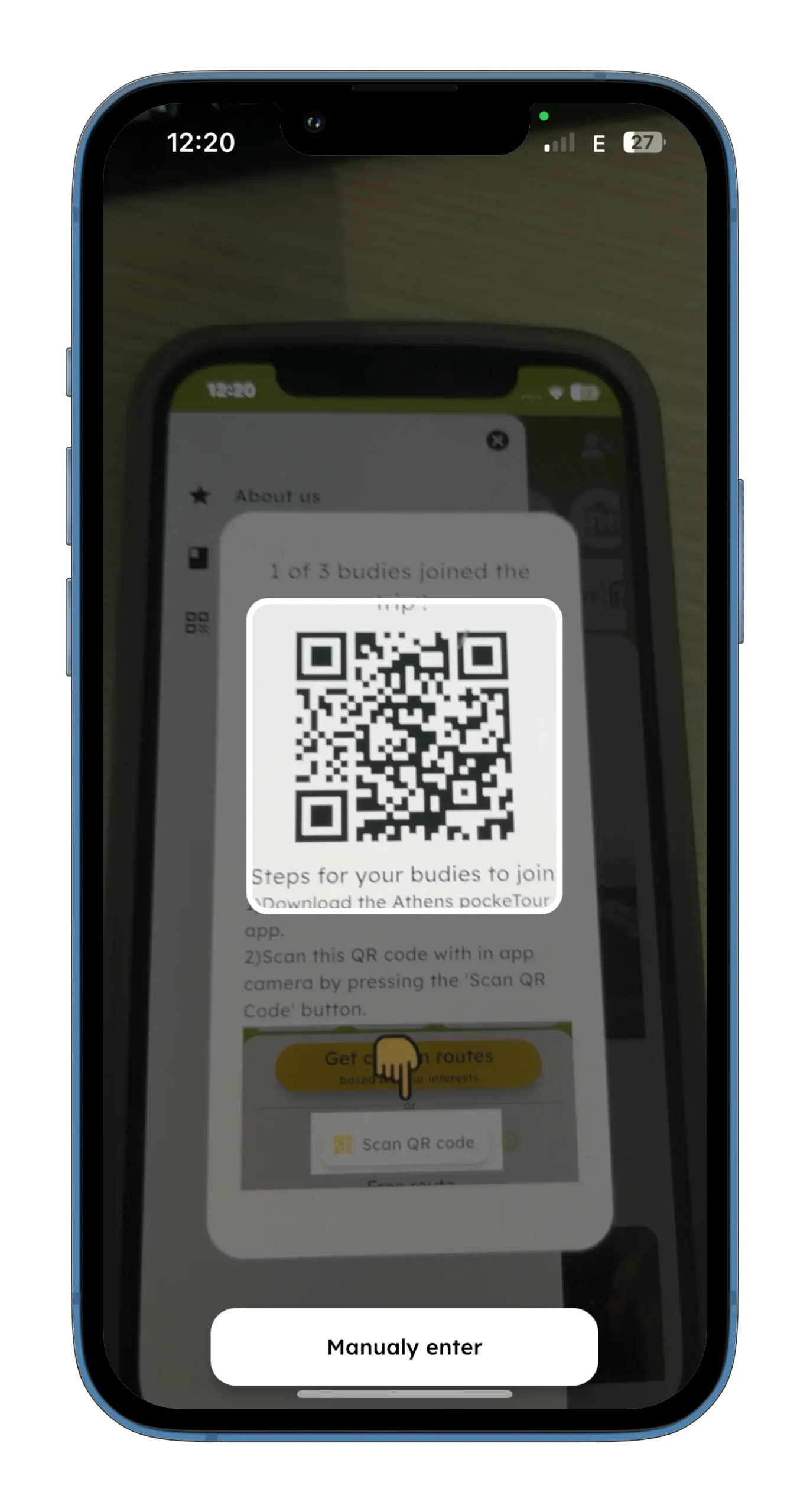
In the app, each friend should press the “Open QR” button to activate the QR code
scanner.
Scan the QR Code
Use the camera that opens to scan the ‘Tour QR code’ provided by the route creator.
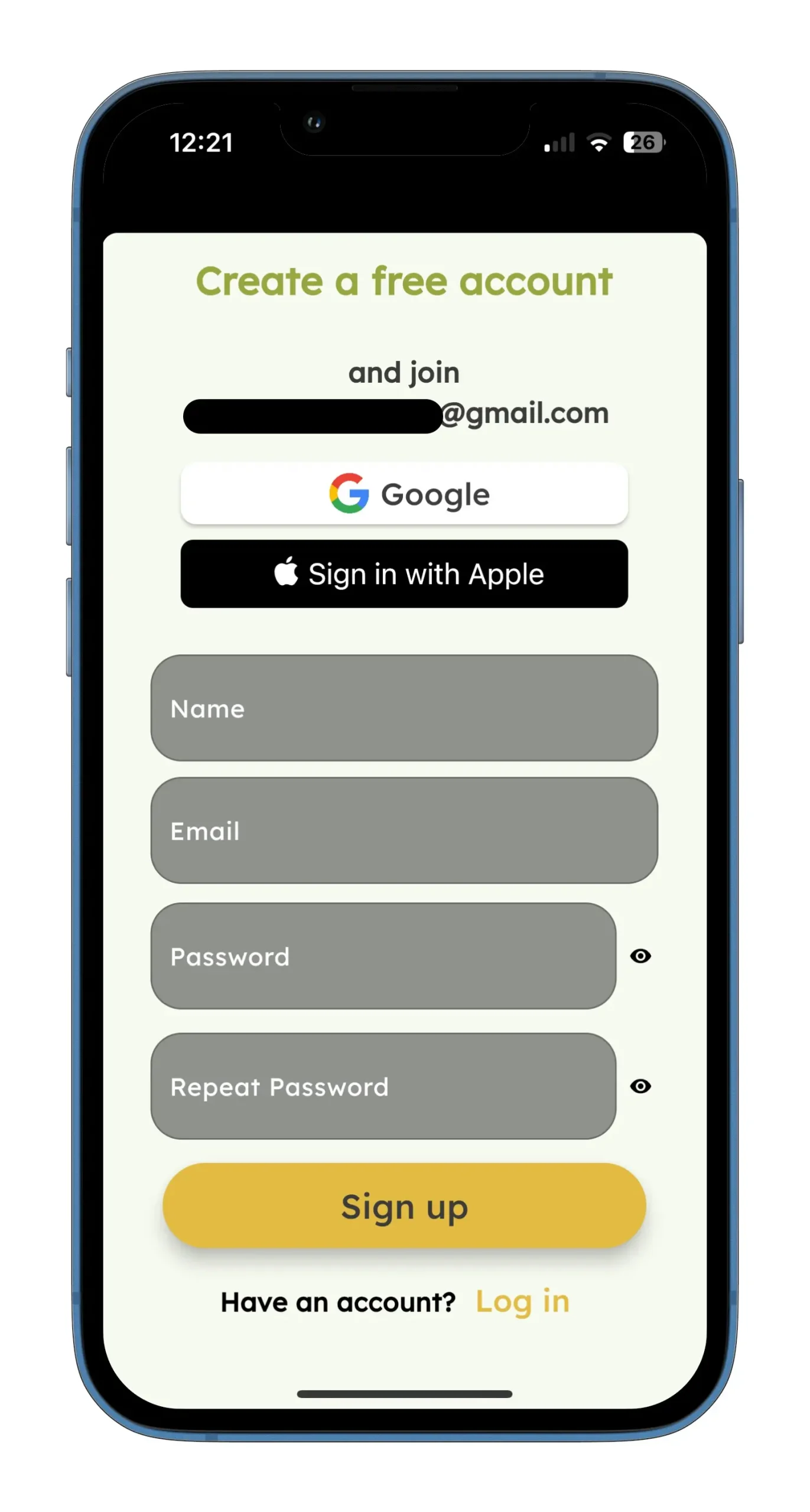
Create a Free Account
Each friend must create a free account to join your custom route.

Finding the ‘Tour QR Code’
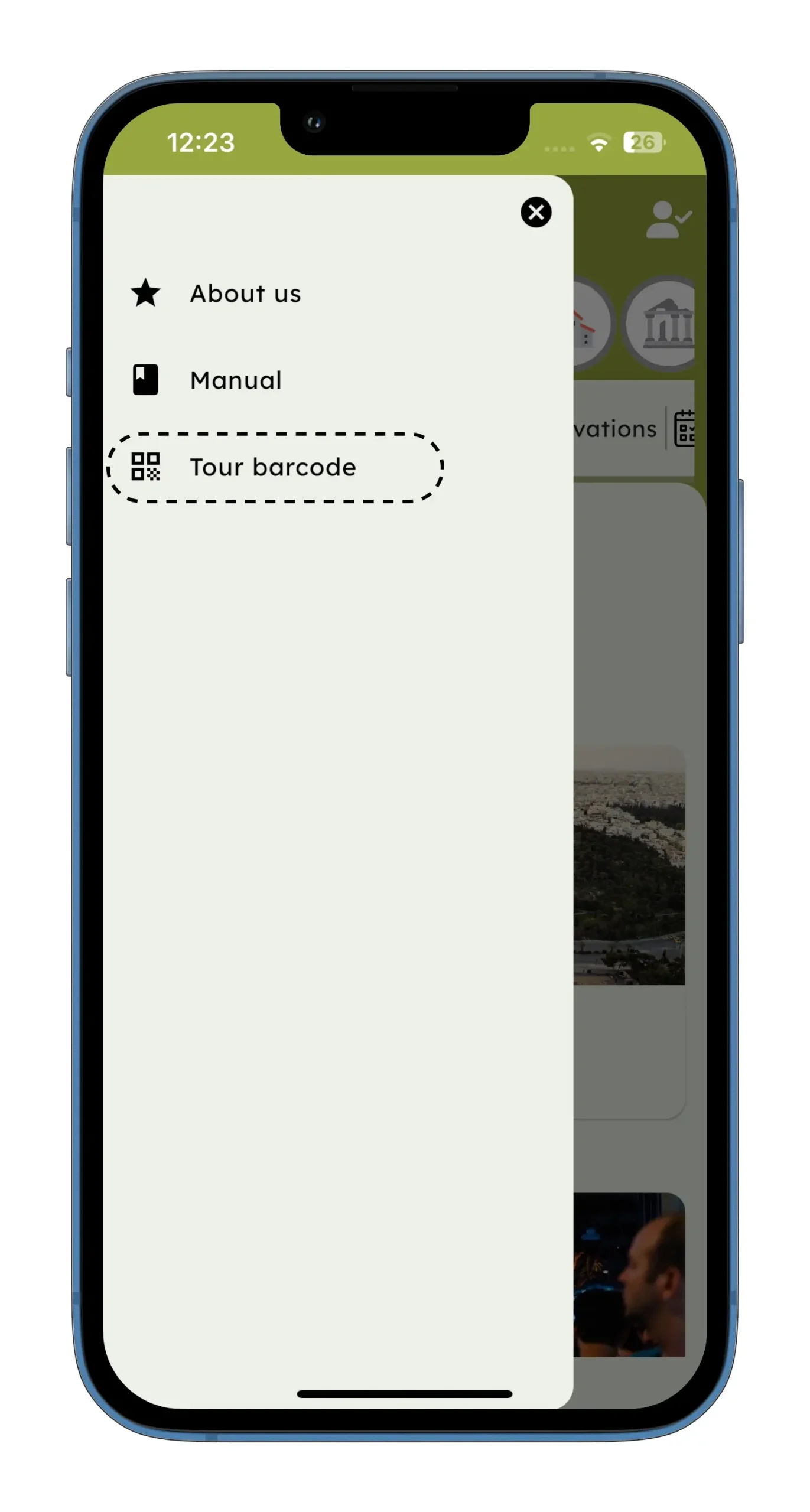
Go to Home Screen and Tap the Menu Button
The route creator should navigate to the Home Screen of the app.
Select the QR Button
Choose the QR Button from the menu to display the ‘Tour BarcodeCode’.
Your friends can scan this QR code with their app to join your custom route. They
will need to create a free account to complete the process.